
The problem with “just fitting it in”
Most calendars fail for the same reason budgets fail: you spend without checking what’s left. In a workday, the “spending” is reactive time—Slack pings, urgent emails, quick calls, surprise requests, and small fixes that seem harmless in isolation. The result is predictable: you time-block a clean plan in the morning, then by mid-afternoon your calendar is a fantasy and your tasks are pushed into evenings or tomorrow.
The Schedule Budget method treats your day like a budget with a hard cap. Instead of hoping reactive work stays reasonable, you pre-allocate a limited number of daily time credits for it. When the credits are gone, you stop accepting new reactive commitments (or you deliberately trade something else away). This is how you prevent calendar overcommitment without relying on willpower.
What the Schedule Budget method is
The method has one simple rule: reactive work must be paid for with time credits. You decide your daily reactive allowance in advance—say 60 or 90 minutes—and represent it as credits you can spend throughout the day.
Think of time credits as a lightweight constraint system:
- Proactive time: time-blocked deep work, planned meetings, and committed tasks.
- Reactive time: unplanned requests and interruptions that still need real time.
- Credits: the maximum reactive time you’re willing to allow today.
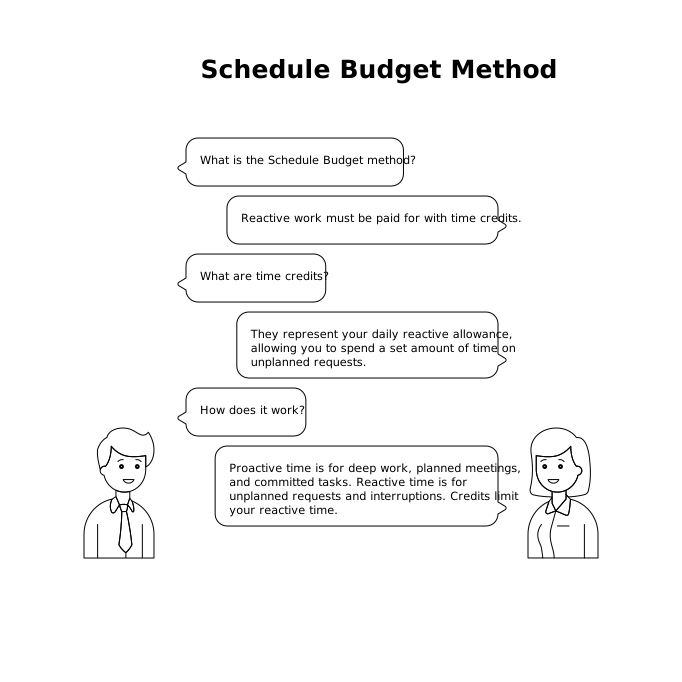
This changes the decision you make when something pops up. Instead of “Can I squeeze this in?” you ask “Do I have credits left for this today?” If yes, you spend them. If no, you schedule it later, delegate, decline, or trade off an existing block.
How to set your daily time credits
A good starting point is to base your cap on reality rather than aspiration. If you typically lose 2–3 hours a day to interruptions, capping at 30 minutes will backfire. You want a number that’s slightly challenging but not absurd.
Quick ways to pick a cap
- Baseline method: estimate yesterday’s reactive time, then reduce by 10–20%.
- Role-based method: if you’re a manager, you may need 90–150 minutes; individual contributors may aim for 45–90.
- Project phase method: during launches or incidents, temporarily raise the cap and lower proactive commitments.
Also decide your credit unit. Many people use 15-minute credits because they match how calendar blocks behave. Example: 6 credits per day = 90 minutes of reactive capacity.
Tracking credits without adding friction
The Schedule Budget method only works if tracking is faster than the interruptions themselves. Keep it simple.
Three lightweight tracking options
- Calendar “Reactive” block: place a 60–90 minute block labeled “Reactive budget.” Every time something comes in, you carve a piece out of that block.
- Credit counter in a note: write “Credits: 6” in a daily note and subtract as you spend them.
- Task tags: tag reactive tasks and total the time you assign to them.
This is where an integrated workspace helps. In Routine, you can time-block planned work and then deliberately place reactive tasks into your remaining capacity, rather than letting them silently erode your day. The key is not the tool—it’s the visible constraint.
Spending credits in real life
Reactive work isn’t one thing; it comes in different shapes. Your credits should cover all of them, otherwise you’ll “budget” only the easy category and still overcommit.
Common reactive categories to budget
- Message triage (Slack, email, DMs)
- Quick approvals (reviewing a doc, signing off on copy, verifying a detail)
- Support requests (customer issues, internal questions, troubleshooting)
- Context switching (the hidden tax—getting back into flow)
A practical rule: if it will take more than 5 minutes or causes a context switch, it costs credits. If it’s truly trivial, do it and move on—but be honest about what “trivial” means.
What to do when you run out of credits
Running out is not a failure; it’s the moment the method starts protecting you. When your credits are gone, you have four options—choose consciously.
1) Schedule it
Put it into a future slot. This is the default choice for most work. “I can do this tomorrow at 10:30” is clearer than “I’ll try to get to it.”
2) Trade it
If it must happen today, swap it with something planned. This makes the cost explicit: a meeting moves, a deep-work block shrinks, or a task is deferred. The calendar stays honest.
3) Delegate or route it
If you’re the bottleneck because everything routes to you, the cap reveals a structural issue. Create an owner, an on-call rotation, or a shared inbox/channel for first-line triage.
4) Decline it
Not every request deserves same-day execution. A simple script helps: “I’m at capacity for today—can we do tomorrow morning, or is there a deadline I’m missing?”
Making the method stick with daily and weekly rituals
The Schedule Budget method is easiest to maintain when it’s tied to routines that already exist.
Daily setup (3 minutes)
- Pick today’s reactive cap (credits).
- Time-block your top 1–3 proactive priorities.
- Create a single “Reactive budget” block or credit counter.
Daily close (2 minutes)
- Note how many credits you spent and what consumed them.
- Move unfinished reactive items into scheduled slots.
Weekly calibration (10 minutes)
- If you hit zero credits most days, either raise the cap or reduce proactive commitments.
- If you never use credits, lower the cap and protect more deep work.
- Identify recurring reactive sources and fix them at the root (templates, documentation, better intake forms).
If you want to go deeper on preventing “invisible work” from skewing decisions, the same measurement mindset shows up in analytics too—especially when you’re tracking complex behavior without relying on easy shortcuts like cookies. The principles in measuring multi-domain journeys without cross-site cookies mirror this idea: make constraints and attribution explicit, or your system lies to you.
Why this prevents calendar overcommitment
Overcommitment usually happens in tiny increments. Each new request feels small, but the day only has so many usable minutes. The Schedule Budget method works because it:
- Creates a visible limit for reactive work.
- Forces trade-offs instead of silent overtime.
- Protects deep work by default, not by hope.
- Improves communication because “I’m out of credits” is clearer than vague resistance.
Once you adopt it, your calendar becomes a true model of your day. Plans still change, but they change in a controlled way—and you stop accidentally promising more time than you have.