
Why this workflow works in 25 minutes
Support tickets are messy because they describe symptoms, not causes. A “login failed” ticket might be a browser issue, an auth service timeout, a bad release, or a permissions misconfiguration. The goal of this workflow is to convert that noise into two practical artifacts you can act on immediately:
- A root-cause tree that groups tickets by underlying causes (not wording).
- A fix-priority heatmap that ranks which causes to tackle first based on impact and effort.
The output is meant to be shared—engineering, support, product, and operations should all be able to read it quickly without a long meeting. If you want a fast way to turn the final text into a clean visual (tree + heatmap) without design overhead, a text-to-visual tool like napkin.ai fits naturally into the last step.
Before you start, set the scope and collect the right slice
Pick a tight time window and one surface area
To keep this to 25 minutes, don’t pull “all tickets.” Pick:
- A 7–14 day window (or the last 50–200 tickets for one queue).
- One product area (billing, login, integrations, mobile, etc.).
This creates a dataset small enough to scan quickly but recent enough to reflect what’s actually broken now.
Export a minimal set of fields
You can do this from most help desks (Zendesk, Intercom, Freshdesk, Jira Service Management). Export:
- Ticket ID and created date
- Category/tags (if present)
- Short subject + first message (often enough)
- Severity proxy (priority, plan tier, or “number of users affected” if captured)
- Status and resolution note (if available)
Don’t over-collect. If you need log links or Sentry traces, you can attach them later to the top causes only.
The 25-minute workflow step by step
Minute 0–3: Clean and normalize ticket language
Skim the list and standardize a few recurring phrases so you don’t split identical issues into separate buckets. Examples:
- “Can’t sign in,” “login broken,” “auth fails” → Login failure
- “Card declined,” “payment won’t go through” → Payment failure
- “Webhook delayed,” “sync slow” → Integration latency
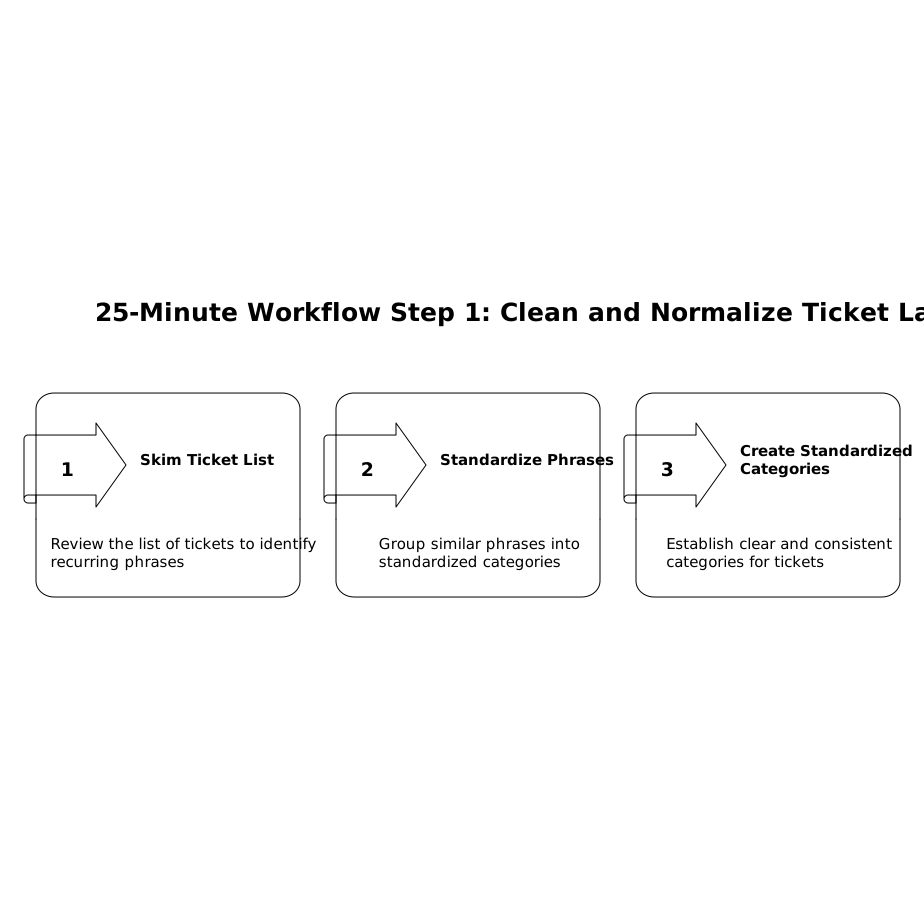
This isn’t taxonomy work. It’s just reducing duplication so the next steps are faster.
Minute 3–10: Cluster tickets by symptom, then split by cause hypothesis
Create 5–12 symptom clusters. For each cluster, ask one question: What are the plausible root causes? Write them as hypotheses, not conclusions. A good root-cause label is specific enough to be actionable but general enough to catch repeats.
Example for “Login failure”:
- Auth service timeout
- Misconfigured SSO tenant
- Rate limiting triggered
- Cookie/session handling regression (new release)
If you’re not sure whether two causes are distinct, keep them separate for now. Merging is easy later; unmerging is harder.
Minute 10–16: Build the root-cause tree
Now turn the clusters into a tree with three levels:
- Level 1: Domain (Auth, Billing, Integrations, UI, Data, Performance)
- Level 2: Cause family (Timeouts, Misconfigurations, Regression, Permissions)
- Level 3: Candidate root cause (Auth service timeout in region X, SSO metadata mismatch, etc.)
Under each candidate cause, attach:
- Ticket count (how often)
- Representative ticket IDs (2–5)
- Notes: “new since release 2.3.1”, “only enterprise plans”, “only EU”, etc.
This tree becomes a durable artifact. Next week’s tickets either fit an existing branch or justify a new one.
Minute 16–22: Create the fix-priority heatmap
A heatmap is just a scoring grid that forces trade-offs. Use two axes:
- Impact (how much harm this causes)
- Effort (how hard it is to fix or mitigate)
Keep scoring simple—1 to 5 works well. To avoid long debates, define the rubric in one sentence each:
- Impact 1: minor annoyance, few users; Impact 5: blocks core workflow, many users or high-revenue accounts.
- Effort 1: config/doc fix or small patch; Effort 5: cross-team change, risky refactor, or major migration.
For each candidate root cause, compute a quick priority score (for example Impact × Frequency, then adjust by effort). You don’t need a perfect formula; you need a consistent one.
Finally, color-code the grid:
- High impact + low effort → do now
- High impact + high effort → plan and staff
- Low impact + low effort → batch when convenient
- Low impact + high effort → defer or rethink
If your backlog keeps getting hijacked by “urgent” items that aren’t actually high impact, it helps to pair this heatmap with a lightweight intake system like the one described in avoiding priority inversion in backlogs.
Minute 22–25: Turn it into a shareable visual and assign next actions
In the last three minutes, you’re not “fixing” anything—you’re removing ambiguity so fixing is fast.
- Pick the top 3 causes from the heatmap.
- Write one next action per cause: “add metric,” “reproduce,” “ship patch,” “update docs,” “change default,” etc.
- Assign an owner and a deadline (even if it’s just “by end of week”).
Then convert the tree and heatmap into a single visual you can paste into Slack, a ticket, or a weekly report. If you already have the structure in text, napkin.ai can translate it into a clean diagram quickly so the team sees the same picture without a long explanation.
Common pitfalls that make root-cause trees useless
Mixing symptoms and causes in the same level
“Login fails” is a symptom; “SSO tenant misconfigured” is a cause. If a branch contains both, it becomes impossible to track whether you reduced the real problem.
Creating a tree that can’t be updated weekly
If it takes an hour to rebuild, it won’t happen. Keep the tree shallow (three levels) and the labels consistent.
Prioritizing by loudness instead of impact
One upset customer can dominate attention. The heatmap forces you to include frequency and business impact, which is especially important in reactive work planning. If you need a calendar-friendly way to handle inevitable interrupts, the schedule budget method for reactive work pairs well with this workflow.
What “done” looks like at the end of 25 minutes
- A root-cause tree with 5–15 candidate causes, each tied to real ticket IDs.
- A fix-priority heatmap that highlights the top 3–5 actions to take next.
- Clear owners and next steps so the work moves without another meeting.